
Integration
Slack Project Management Integration
Connect Slack with TaskBoard so requests and context move into actionable tasks without manual copy-paste.
Why teams need this
Connect Requests to Execution
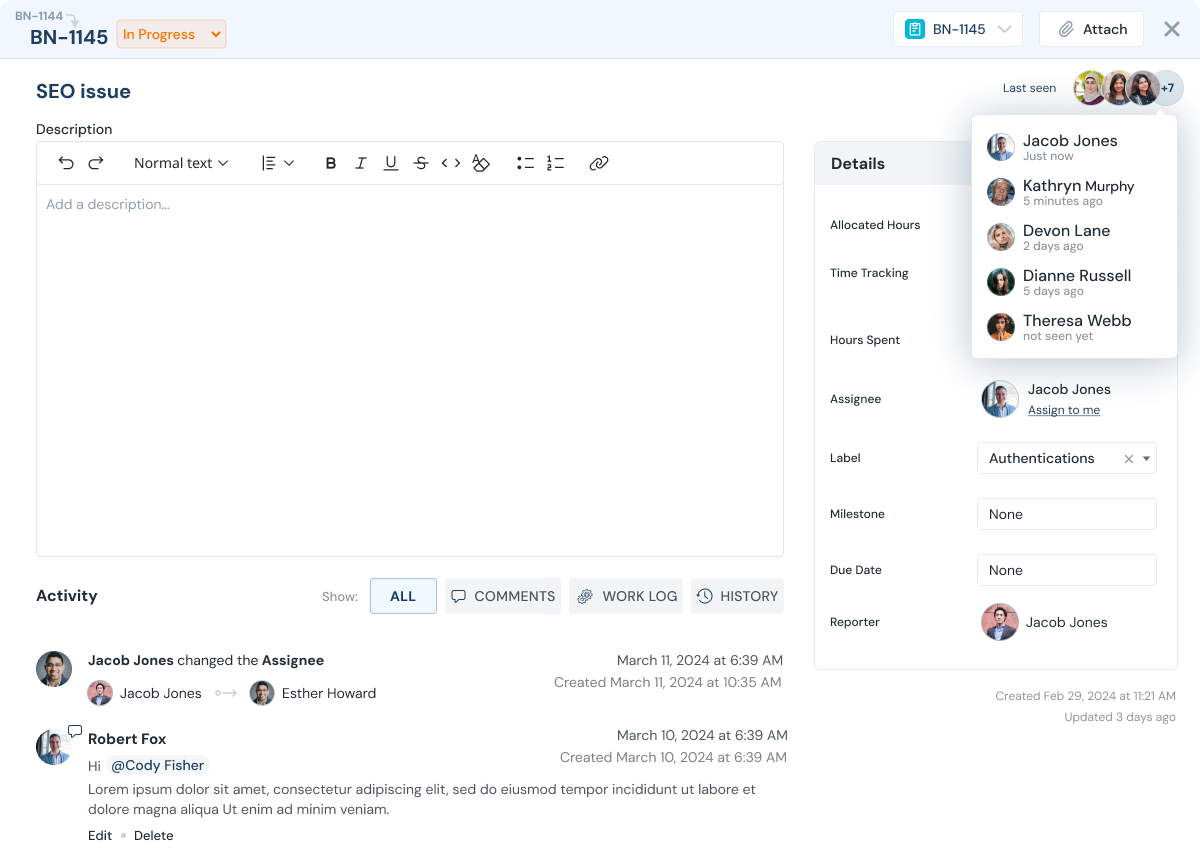
When work requests start in Slack, teams lose time recreating tasks manually and context gets dropped. This integration keeps source context attached to execution in TaskBoard.
- Create tasks directly from incoming messages or events.
- Preserve context so assignees can act faster.
- Route work to the right project or owner quickly.
- Reduce dropped requests and handoff delays.
How it works
Integration Flow
Capture
Collect messages or requests from Slack that should become trackable work.

Create task
Generate a TaskBoard task with key context so owners can begin immediately.

Track and report
Use TaskBoard status updates, worklogs, and reporting to manage execution outcomes.
Setup
Fast Setup, Phased Rollout
Start with one workflow, validate adoption, then extend to additional channels and teams. Keep setup simple and outcomes measurable.
Role outcomes
Role Outcomes

Individual contributors
Get cleaner task context and fewer handoff gaps.

Managers
Track inflow and ownership without manual copy/paste workflows.

Leadership
See request-to-delivery flow with better reporting continuity.

Clients and stakeholders
Receive faster updates because context stays attached to execution.
Value model
Scale Without Seat Friction
TaskBoard uses flat fee company pricing with no per-user fee, so teams can extend integrated workflows to all relevant stakeholders.
FAQ
Slack integration FAQs
Common setup and workflow questions.
What type of workflows is this integration best for?
Teams that receive requests in Slack and want to track execution in TaskBoard typically get the most value.
Can we control who sees integrated tasks?
Yes. TaskBoard access controls allow you to expose only relevant projects and tasks.
Can integrated tasks still use worklogs and reporting?
Yes. Integrated tasks are managed like any other TaskBoard task, including worklogs and reports.
Next step
Plan your Slack workflow in TaskBoard.
Request a demo to map your integration flow and rollout plan.